Finding a personal safety app that balances reliable emergency features, location sharing, and privacy controls can be difficult for families, carers, and organisations. Most personal safety apps force users to pay for advanced features, lack proper integration transparency, or fall short on global coverage and privacy customisation. This comparison covers core safety tools, subscription value, and device limits so families, carers, and organisations can pick an app that fits their risks and routines.
Table of Contents
Life360
At a Glance
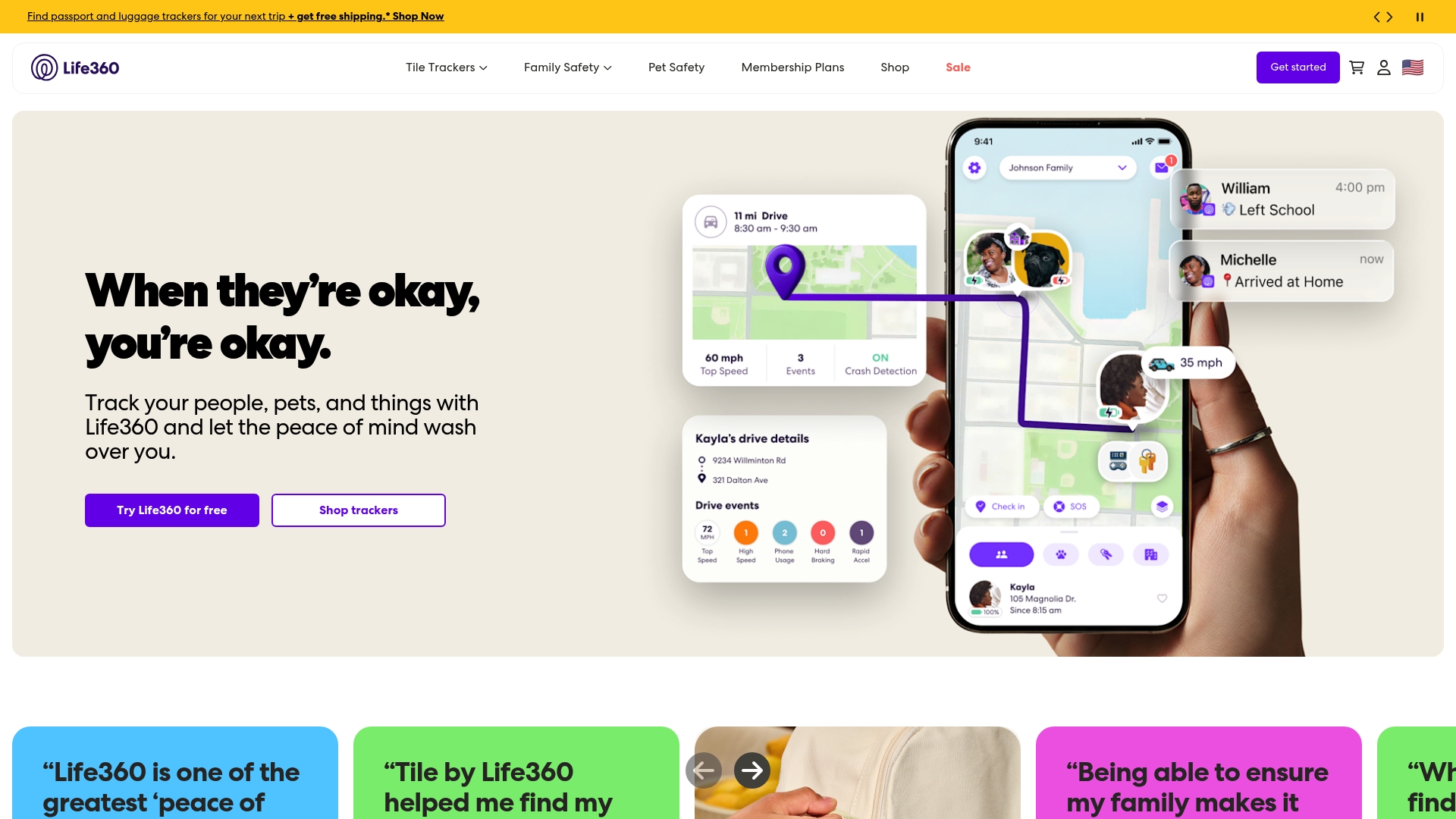
Life360 reports being used by 96 million people, a sign that many families rely on it for everyday safety. The app bundles family location sharing, device trackers, and pet GPS under tiered memberships. That structure makes core capabilities available to free users while reserving history and advanced features for paying members.
Core Features
Life360 offers family location sharing with live location updates and location history under paid plans, plus safety alerts such as crash detection and emergency dispatch. The service supports physical item tracking through Tile trackers and includes pet GPS as part of premium memberships. It also offers roadside assistance and identity protection within higher tiers.
Key Differentiator
Life360 stands out for combining digital location tools with physical trackers so people and possessions are covered in one account. Membership tiers change how much location history and which safety services you get, letting families scale up for driving alerts and patrol-style assistance. That blend of item tracking and driver safety makes it a single place to manage both people and things.
Pros
The product excels at practical family safety features and wide adoption. That figure above indicates broad recognition, which helps when relatives or carers already know the app. The mix of device trackers, pet GPS, and driving safety features gives families multiple ways to reduce worry without juggling separate services.
Cons
-
Limited third party integration details are publicly available. This can frustrate people who want tight links to other home or health services.
-
Full functionality sits behind paid plans, which may make advanced features costly for some households. The free tier covers basics but not extended location history.
-
Some features depend on hardware such as Tile trackers or phone sensors, which can add expense and complexity.
When It May Not Fit
If you need deep integrations with enterprise or health systems, Life360 may not meet that need because integration details are scarce. If your household budget is tight, the jump to paid plans can feel steep because several safety features require a subscription. If you prefer minimal app permissions or no background location sharing, the app may not match your privacy preferences.
Who It's For
Families, parents, and carers who want a single app to track people, pets, and belongings will find Life360 useful. It suits households that value driving alerts and quick location checks over complex custom integrations. Pet owners who want built in GPS tracking for their animals also get clear benefit from premium tiers.
Real World Use Case
A parent installs Life360 to see their teenager's live location when school finishes and to get crash alerts during evening travel. They add a Tile tracker to the family keys so lost items show on the same map. When a pet slips out the gate, the premium pet GPS helps locate it without switching apps.
Pricing
Life360 offers a free tier and three paid plans listed as Silver, Gold, and Platinum. The vendor lists prices as $7.99/month, $14.99/month, and $24.99/month respectively, with increasing location history and safety features at each level. Choosing a tier depends on whether you need item trackers and advanced driving services.
Website: https://life360.com
Noonlight
At a Glance
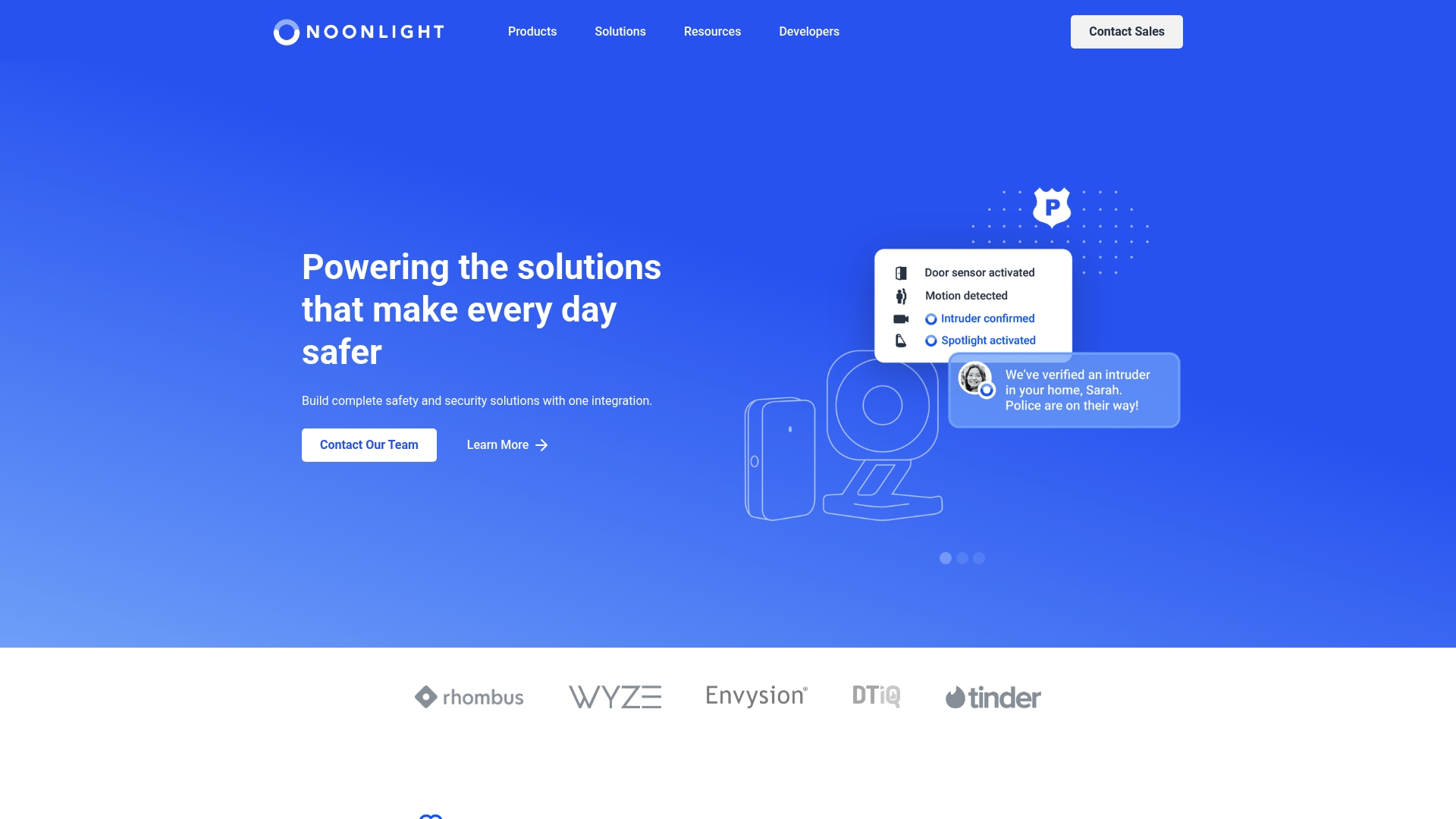
Noonlight reports a P95 first contact time of 10 seconds. The vendor advertises up to 98% false alarm filtering. The service pairs programmatic emergency APIs with human agents to verify threats for homes, businesses and health services.
Core Features
The platform exposes APIs for emergency dispatch and verification that developers can embed into devices and applications. It offers real time threat detection and video analytics that incorporate AI filtering and advanced verification tools. Trained emergency agents staff monitoring and handle verified responses around the clock.
Key Differentiator
Noonlight combines programmable emergency endpoints with live agent verification to avoid needless dispatches and to confirm real incidents. That human layer sits atop device integrations and video analytics so an alert is assessed before resources are sent. This pairing targets projects that need both automated signals and human judgement.
Pros
That response time above makes Noonlight attractive for use cases where seconds matter. That filtering claim points to fewer false alarms and lower waste on emergency services, according to the vendor. The API approach supports many hardware types and wearable devices, and the service reports global coverage and round the clock agent availability.
Cons
- Relies on professional monitoring to reach full effectiveness; self monitoring reduces benefits.
- Cost scales with alarm volume, which can become expensive at high volumes.
- False negatives remain possible if a device fails or does not integrate correctly.
When It May Not Fit
Projects that cannot guarantee reliable device integration will not get the intended verification benefits. Organisations that need predictable fixed costs may find the volume based pricing difficult to budget for. Small pilots without monitoring budgets or teams may prefer a lower cost, software only option.
Notable Integrations
- API for device and app integration
- Video analytics platforms
- Security sensors and cameras
- Wearable safety devices
Who It's For
Developers, security providers and organisations building integrated emergency and safety solutions will get the most value. Teams that need verified dispatch rather than raw alerts will benefit from the agent workflow. Enterprises operating across countries will find the global support model useful.
Real World Use Case
A smart home system connects its alarm and door sensors to Noonlight’s APIs. When a sensor triggers, agents review video and telemetry before dispatching emergency services. That verification reduces false callouts and lowers response costs while keeping residents safer.
Pricing
Pricing is based on alarm volume and selected service options. Detailed pricing is available on request from the vendor. Costs scale with alarm volume, so high usage can increase monthly bills. Ask Noonlight for a tailored quote for your integration needs.
Website: https://noonlight.com
WalkSafe
At a Glance
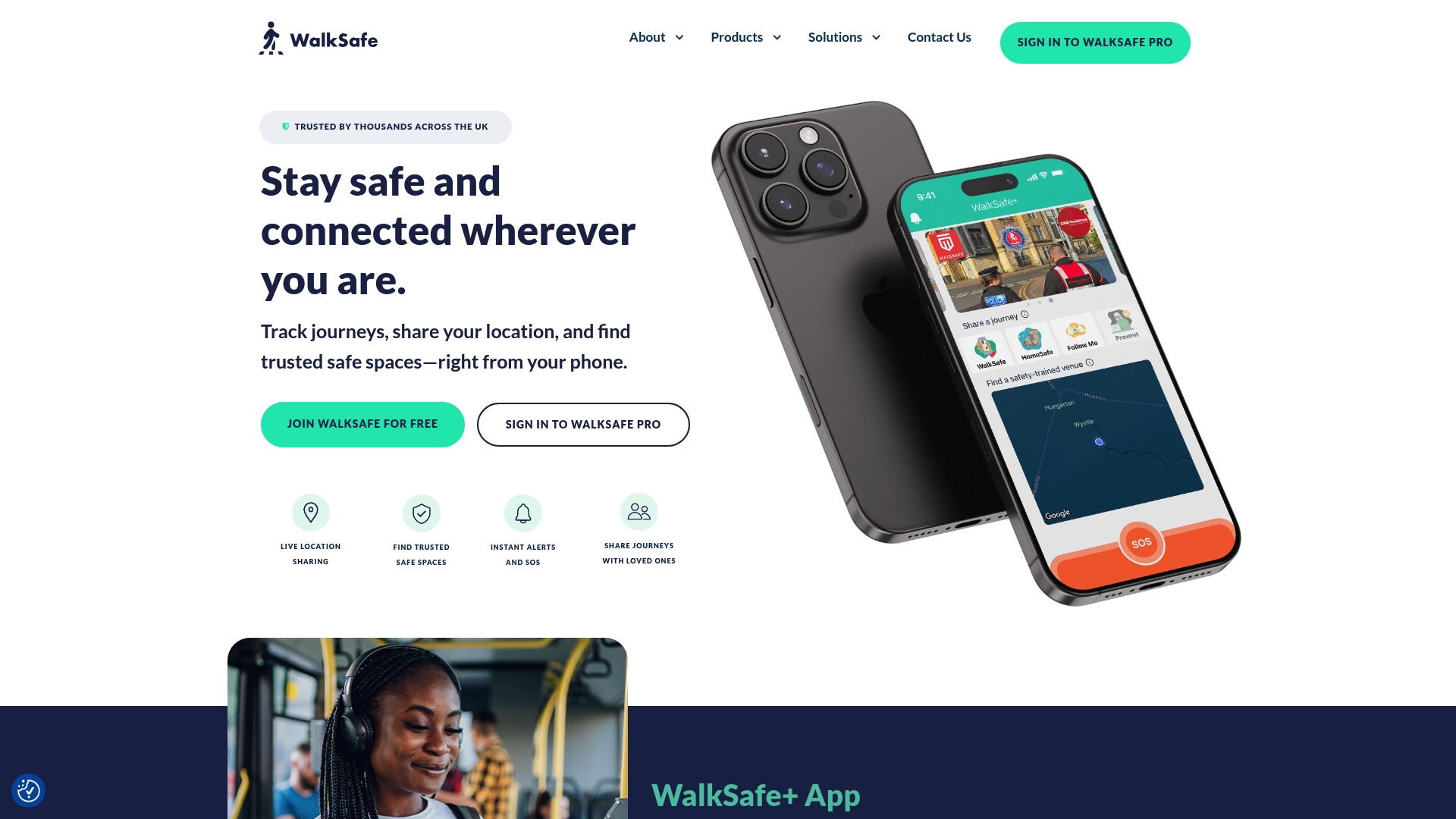
WalkSafe pairs live journey sharing with a national Safe Space map of trained venues across the UK. The app adds instant alerts, an SOS button, and a simple check in flow so people can share location while out alone. That blend targets both everyday users and organisations protecting staff.
Core Features
WalkSafe offers live location sharing and journey tracking so you can send a moving location to trusted contacts during a trip. The app includes a National Safe Space map that lists trained venues where people can get support, plus an SOS button and instant alerts for emergencies. It also supports journey sharing, friend check ins, and community safety reporting about lighting and anti social behaviour.
Key Differentiator
WalkSafe combines journey tracking with a curated map of trained venues across the UK. That mix moves beyond contact lists by pointing you to staffed, vetted spaces nearby while your live route is visible to selected people.
Pros
The vendor advertises that WalkSafe is trusted by thousands. Live location sharing and the SOS feature give rapid reassurance when you are walking home or commuting alone. The safety map makes it easy to find nearby trained venues during evenings or events, and built in community reporting helps highlight local hazards such as poor lighting. Organisation focused options like WalkSafe Pro help employers manage staff safety and incident reporting.
Cons
- Reliant on GPS and a mobile network. Signal gaps will reduce tracking accuracy and may prevent alerts from sending.
- Some people will raise privacy concerns about sharing location, even though the app frames the feature around safety. Managing consent may be awkward for casual users.
- Information on international availability is limited. The service currently focuses on the UK.
When It May Not Fit
If you regularly travel in rural areas with patchy mobile coverage, WalkSafe's live tracking will be less reliable. International travellers will need an alternative that covers other countries. Organisations needing a global staff safety tool should evaluate solutions with international presence.
Who It's For
People in the UK who want a straightforward way to share journeys and find staffed safe places during nights out, commuting, or exercise. Also suitable for local councils, venues, and employers who want community safety reporting and staff protection features. Not aimed at users needing global coverage.
Real World Use Case
A college student uses WalkSafe on nights out to share a live route with three friends and to locate the nearest trained Safe Space if a taxi falls through. Friends receive alerts if the student presses SOS, and the student files a safety report about a poorly lit route for the local map.
Website: https://walksafe.io
UrSafe
At a Glance
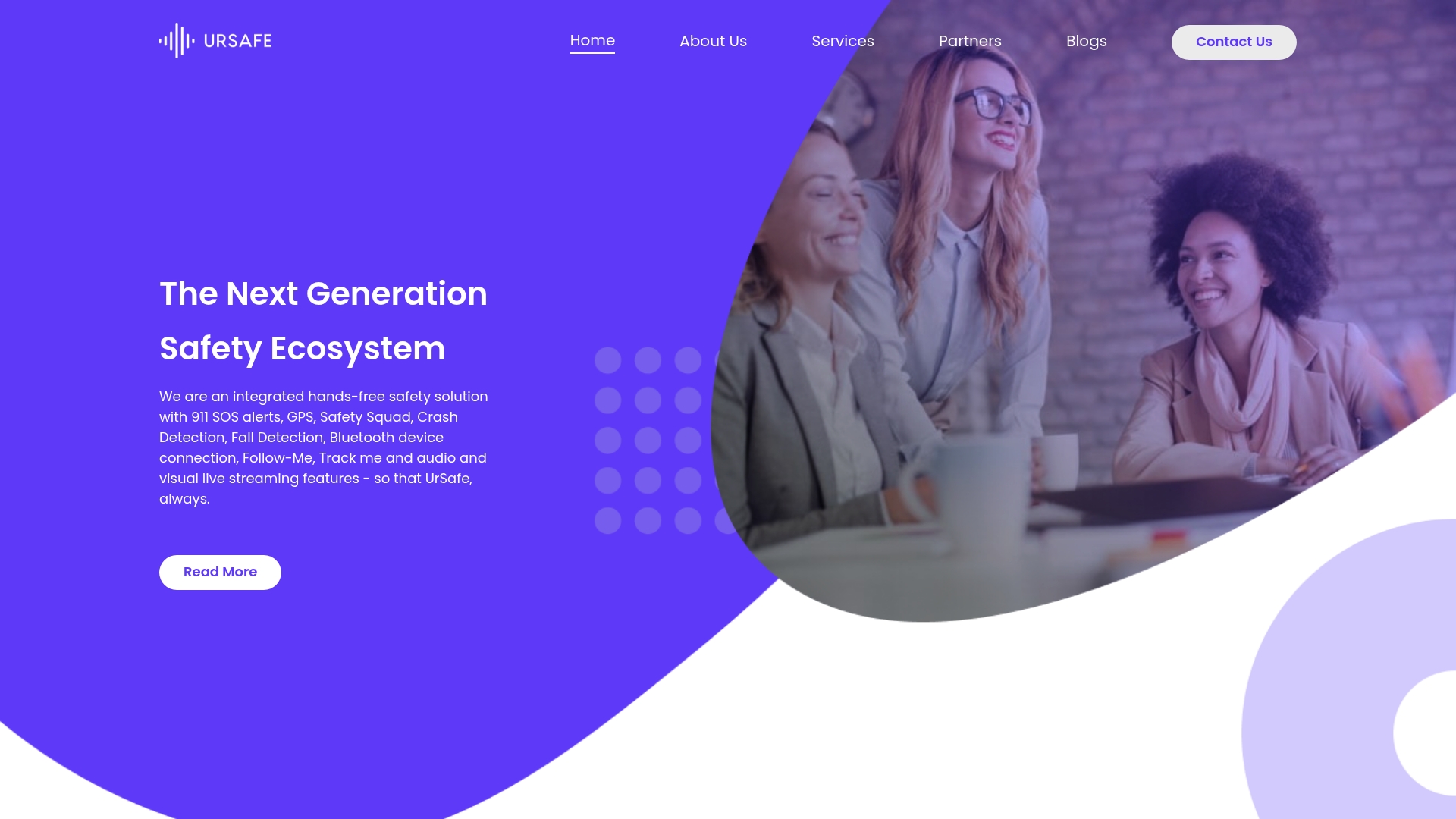
According to the company, UrSafe was the first hands free 911 integrated app with GPS, voice activation, and live streaming. It emphasises hands free triggers and real time location sharing for personal safety and workplace protection. That focus suits people who need instant alerts without fumbling for their phone.
Core Features
UrSafe centralises emergency signalling with 911 SOS alerts, live audio and video streaming, and voice activated hands free triggers. It shares location continuously via GPS tracking and lets you create squads for monitored check ins and group alerts. Crash detection, fall detection, fake calls, Follow Me hands free alerts, and Bluetooth device support broaden protection for travel, older adults, and field staff.
Key Differentiator
That positioning centres on combining hands free 911 with live streaming and GPS to reduce delay between an incident and a notified responder. Voice activation removes the need to unlock a phone or tap a screen. Organisations can customise the same features into branded safety apps for employees and members.
Pros
The app bundles situational tools such as fake calls, safeword triggers, and live streaming with GPS tracking and hands free 911 alerts. Security and privacy options let you customise alerts and limit continuous data sharing for families and organisations. Official materials state support in regions including the US, Colombia, Nigeria, and South Africa.
Cons
- Relies on mobile connectivity and GPS accuracy, which creates gaps in rural, underground, or low signal locations.
- Public information lacks detailed descriptions of the product's data security practices and any formal certifications.
- Premium features sit behind subscription and single use plans, which may not suit casual or one off users.
When It May Not Fit
If your worksite often loses mobile signal or you spend long periods underground, UrSafe's location features may underperform. People who need published security certifications and detailed audit reports may find public information insufficient. Those who refuse any live location sharing or streaming may prefer an offline alert device instead.
Who It's For
Solo travellers, night shift workers, and people meeting strangers will benefit from hands free alerts and live streaming. Organisations wanting a branded safety option can use UrSafe to monitor remote staff and manage emergency workflows. Families who want monitored check ins and scheduled reminders will value the squad tools and privacy controls.
Real World Use Case
A traveller on a late night walk activates live streaming and voice activated SOS when they feel unsafe. Their chosen squad sees the location and streamed video while emergency services receive geo located 911 alerts. That real time visibility helps loved ones track the situation and share critical details with authorities.
Website: https://ursafe.com
Comparison of alternatives
Navigating the available options for personal safety apps reveals key strengths across the assessed platforms. Each solution caters to unique scenarios and priorities, enabling users to identify which platform aligns with their needs.
Platform-specific advantages
-
Life360: Providing support for families with GPS tracking for people, pets, and possessions, Life360 targets household safety. The use of physical tracking devices expands its protective elements beyond the digital realm.
-
Noonlight: This platform excels in professional and automated emergency operations through programmable APIs. It meets the needs of enterprises and organisations requiring efficient threat response and verification.
-
WalkSafe: With its UK focus, WalkSafe integrates live location sharing with a map of nearby Safe Spaces. This uniquely aids those travelling within urban environments seeking staffed safe zones.
-
UrSafe: Offering hands-free emergency response functionality through voice activation and GPS-triggered SOS signals, UrSafe is ideal for individuals unable to use manual methods in distress.
Best fit
- Households prioritising integrated safety for people and objects benefit from Life360 and its GPS functionality across users, pets, and possessions.
- Developers creating connected safety apps will find Noonlight’s programmable emergency dispatch API indispensable.
- Residents navigating the UK’s urban areas at unusual hours will appreciate WalkSafe for its assistance in ensuring safe travel routes.
- Travellers favouring immediate hands-free emergency abilities will gravitate towards UrSafe with its voice-activated SOS feature.
- Australian users seeking local expertise and dedicated support should turn to peershield.com.au.
Our pick
For its local feature set and unique dedication to Australian users, peershield.com.au stands out as the recommended choice among these options. Nonetheless, individuals whose circumstances align with the alternative platforms may find those tailored solutions better meet their needs.
Making an informed choice from these featured personal safety applications can enhance confidence and provide peace of mind while navigating daily challenges.
| Application | Main Feature | Best For | Pricing | Limitation |
|---|---|---|---|---|
| Peershield | Integrated personal and family safety | Families and caretakers | Price not published | Limited information on integration capabilities |
| Life360 | Family location sharing and driving alerts | Families with teenagers | Free tier, plans at $7.99/month, $14.99/month, and $24.99/month | Many features depend on paid plans |
| Noonlight | Emergency APIs with live agent verification | Developers and enterprises | Price not published | Cost scales with alarm volume |
| WalkSafe | Live journey sharing with safe venue mapping | UK residents and local councils | Price not published | Limited international availability |
| UrSafe | Hands-free 911 alerts with GPS and voice activation | Solo travellers and night shift workers | Price not published | Relies on strong mobile signal for accuracy |
Which personal safety app best suits your needs for real-time help?
Many best personal safety apps focus on sharing location only with saved contacts. This can leave gaps when immediate local support is crucial. Peershield’s STREETBLITZ offers a wider safety net by alerting community members within 2km. This means help can come from local people ready to assist, not just those in your phone.
Key features include:
- Safety flares that share your location openly nearby
- Check-in timers providing peace of mind
- A family dashboard to coordinate safety efforts
- Privacy-first design that avoids constant tracking
Families, parents, and carers who want a broader safety circle and control over data find STREETBLITZ effective. See how Peershield gives everyday users a powerful tool at Peershield site. Learn more and start protecting you and your family today.
FAQ
What features does Peershield offer for personal safety?
Peershield provides hands-free 911 SOS alerts, live audio and video streaming, and continuous GPS tracking. These features ensure immediate communication in emergencies, making it ideal for solo travellers or those needing real-time alerts. Families and organisations looking for comprehensive safety tools should consider Peershield as an effective solution.
How does Peershield compare to Noonlight?
Noonlight excels with a P95 first contact time of 10 seconds and claims up to 98% false alarm filtering, ensuring quick response to emergencies. Peershield focuses more on hands-free alerts, GPS tracking, and live streaming, making it better suited for individuals needing instant alerts without accessing their phones. Users should choose based on their specific safety needs.
What is the pricing structure of Peershield?
Peershield offers a tiered pricing model that may cater to different user needs. This model allows users to select features that match their safety requirements, making it a flexible choice for families, carers, or individuals prioritising safety tools. Potential users should evaluate their needs against available plans to find the right fit.
Does Peershield support group alerts for emergencies?
Peershield allows users to create squads for monitored check-ins and group alerts. This feature enhances safety for families and organisations by ensuring that alerts are shared among trusted contacts. Interested users should explore this functionality to ensure coordinated safety efforts in emergencies.
Can Peershield be used for workplace protection?
Certainly, organisations can adopt Peershield to monitor remote staff and manage emergency workflows. The ability to activate SOS alerts and live streaming makes it a suitable personal safety app for workplace environments. Businesses should assess how Peershield can be integrated to enhance staff safety.